Hashing and Timestamping: A Practical Guide to Data Integrity in DeSci
In November, I hosted a DeSci meetup, and one of the things we had for that day was a mini workshop to show how we can use blockchain with science as regards the reproducibility of research. Post-event, a participant asked for some notes on it, so he will be able to try it from the comfort of his home. This is me finally having the time to put it into words.
In traditional science, if I send a colleague a data file, how do they know I haven't changed a few critical numbers before sending it? They have to trust me. DeSci removes that need for trust by using Immutability.
Hashing Your Data
We're going to create a unique digital fingerprint for our data called a hash. No matter if your file is a single word or a massive genome sequence, the fingerprint is always the same length.
Open your web browser and navigate to any SHA-256 calculator online tool. There are tons online; we will be using the one on https://emn178.github.io/online-tools/sha256.html.
Next is to type this exact phrase into the tool: “DeSci Africa Port Harcourt Meetup 2025” without the quotation marks.
You should get “6b85e24d4d062d589ae02925b5906f5cb452e9cbac1bedcd045efd77ed84cc74” as your output. As we can see, the same exact input gives us the same output, irrespective of what device you use.
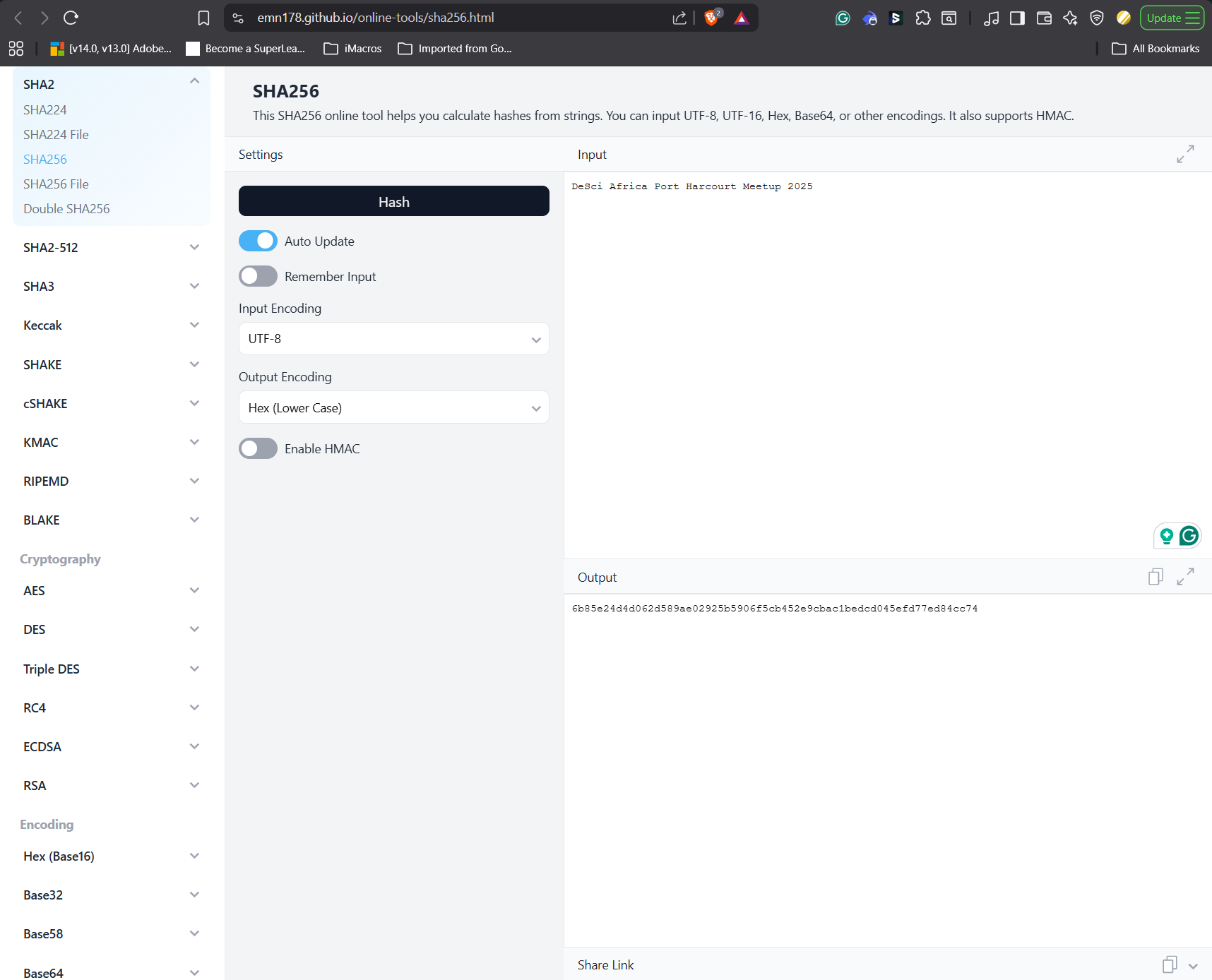
Now, go back to your text box and simply add a period (.) to the end of the phrase: “DeSci Africa Port Harcourt Meetup 2025.”
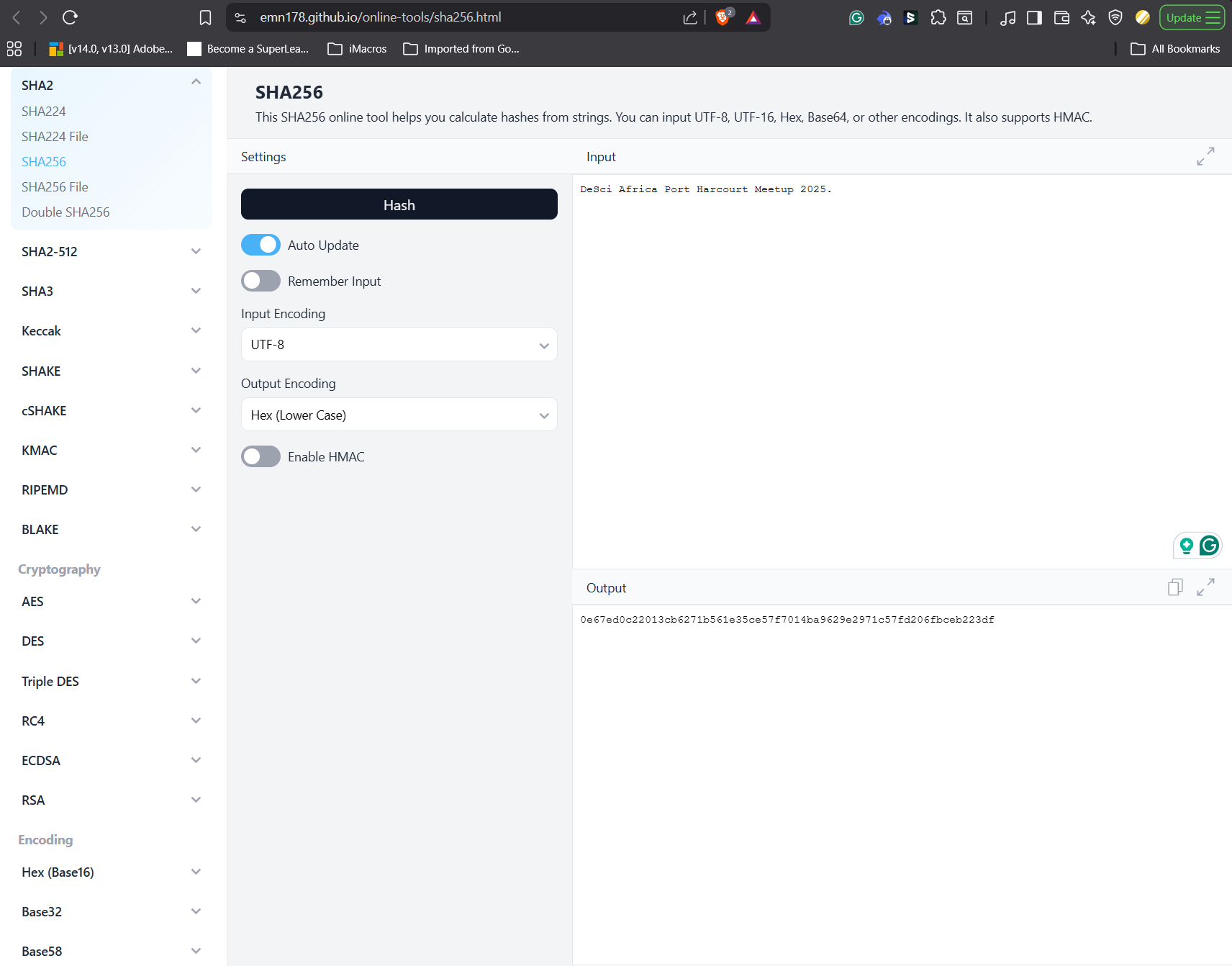
Even with a single period, the entire fingerprint has been scrambled and is now completely different. This is the power of a hash: It proves that even the slightest change to your original data will be immediately obvious.
Timestamping Your Hash
Now we need to prove when we created that first, original hash. We do this by timestamping it on a decentralized ledger. We will be using Arweave, which is a global, permissionless hard drive that stores data permanently and incentivizes nodes to keep it
Visit https://hello_cookbook.arweave.net/. We will be using this page to publish the data on the Arweave blockchain.
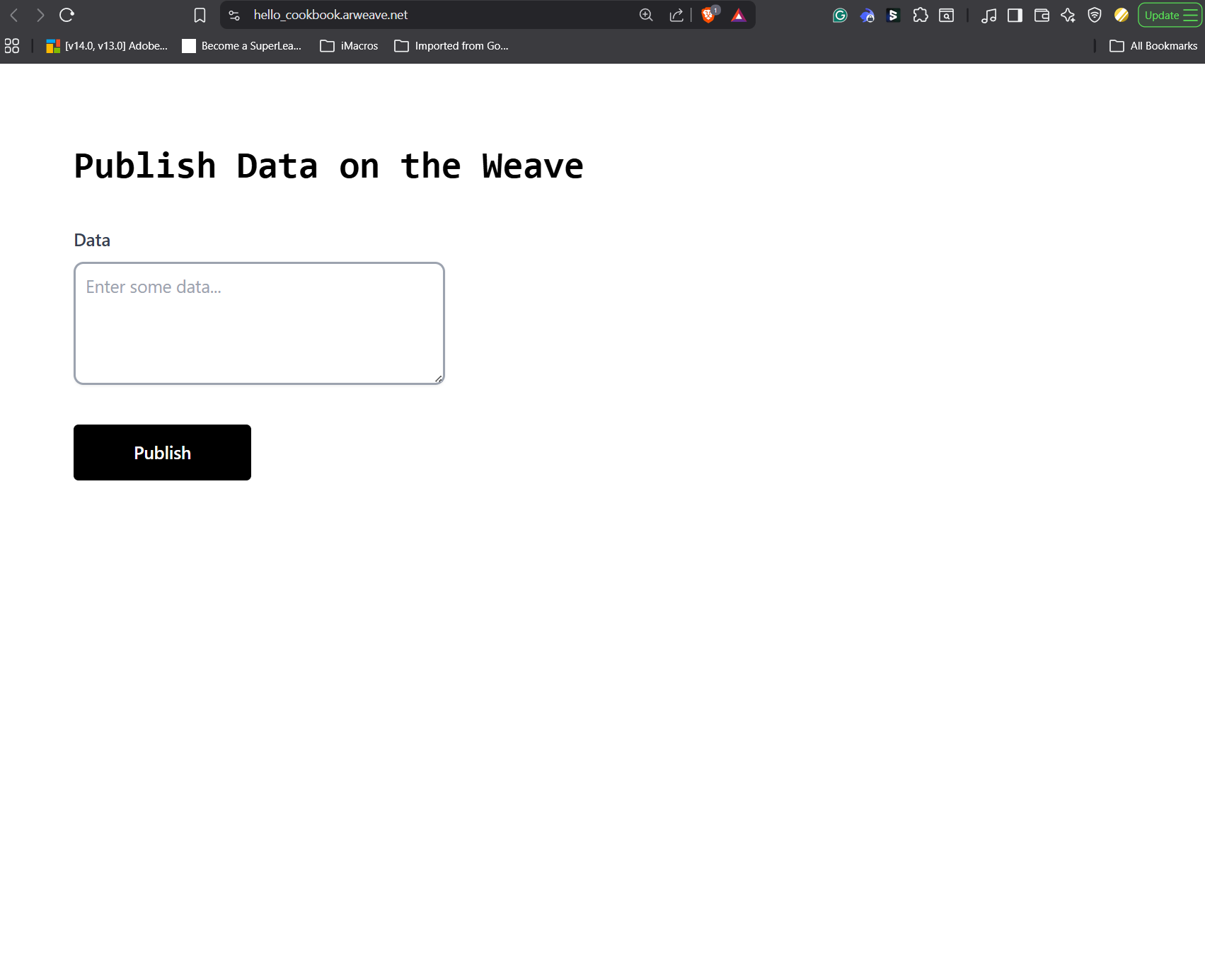
Then input the sha256 code we got first, 6b85e24d4d062d589ae02925b5906f5cb452e9cbac1bedcd045efd77ed84cc74 and click on publish.
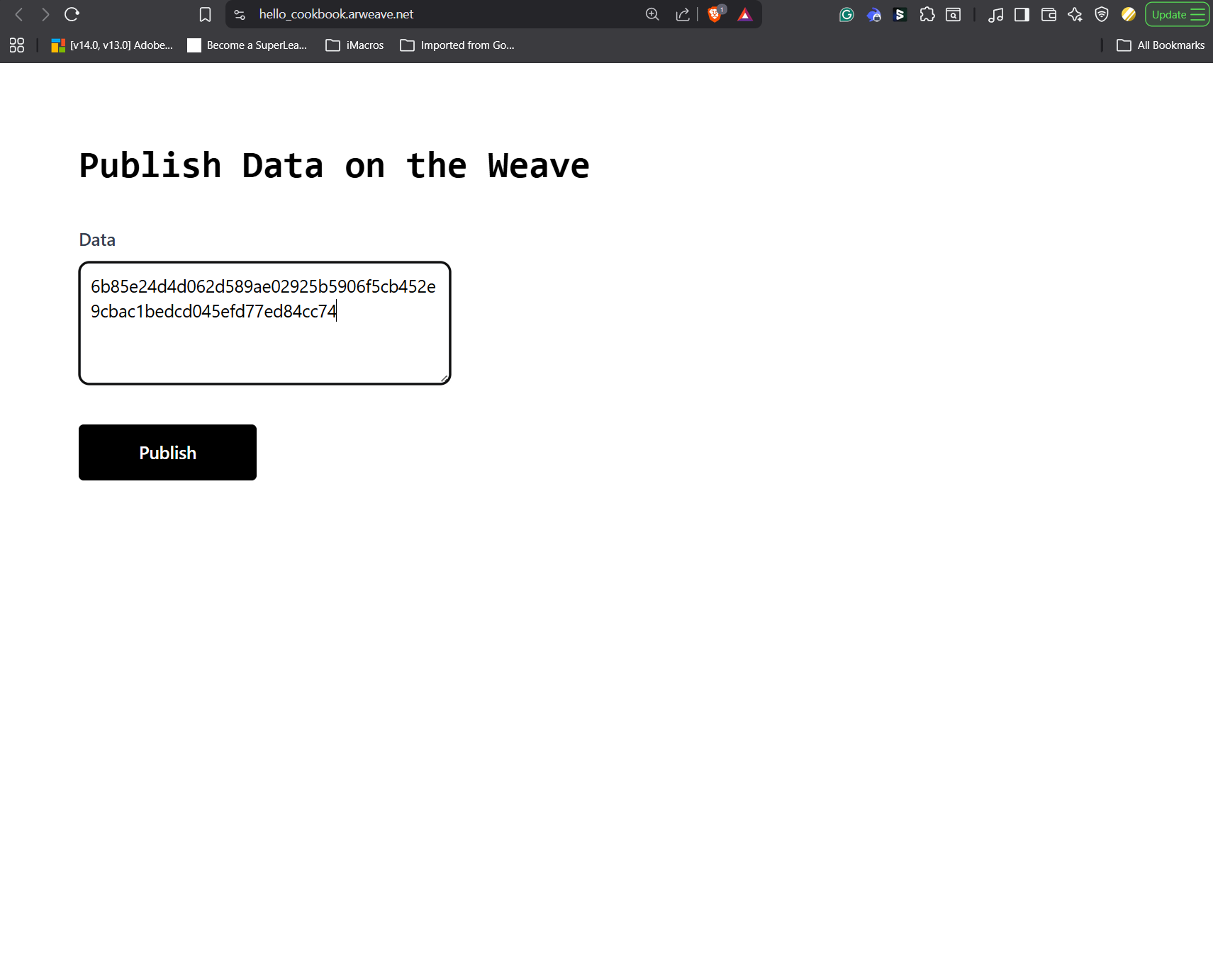
You will get a pop-up to connect your Arwweave wallet to the dapp. Click on the add wallet, then create a new wallet for the workshop. You can choose to write down the passphrase if you want to use the same wallet long-term. Then click on finish and close it.
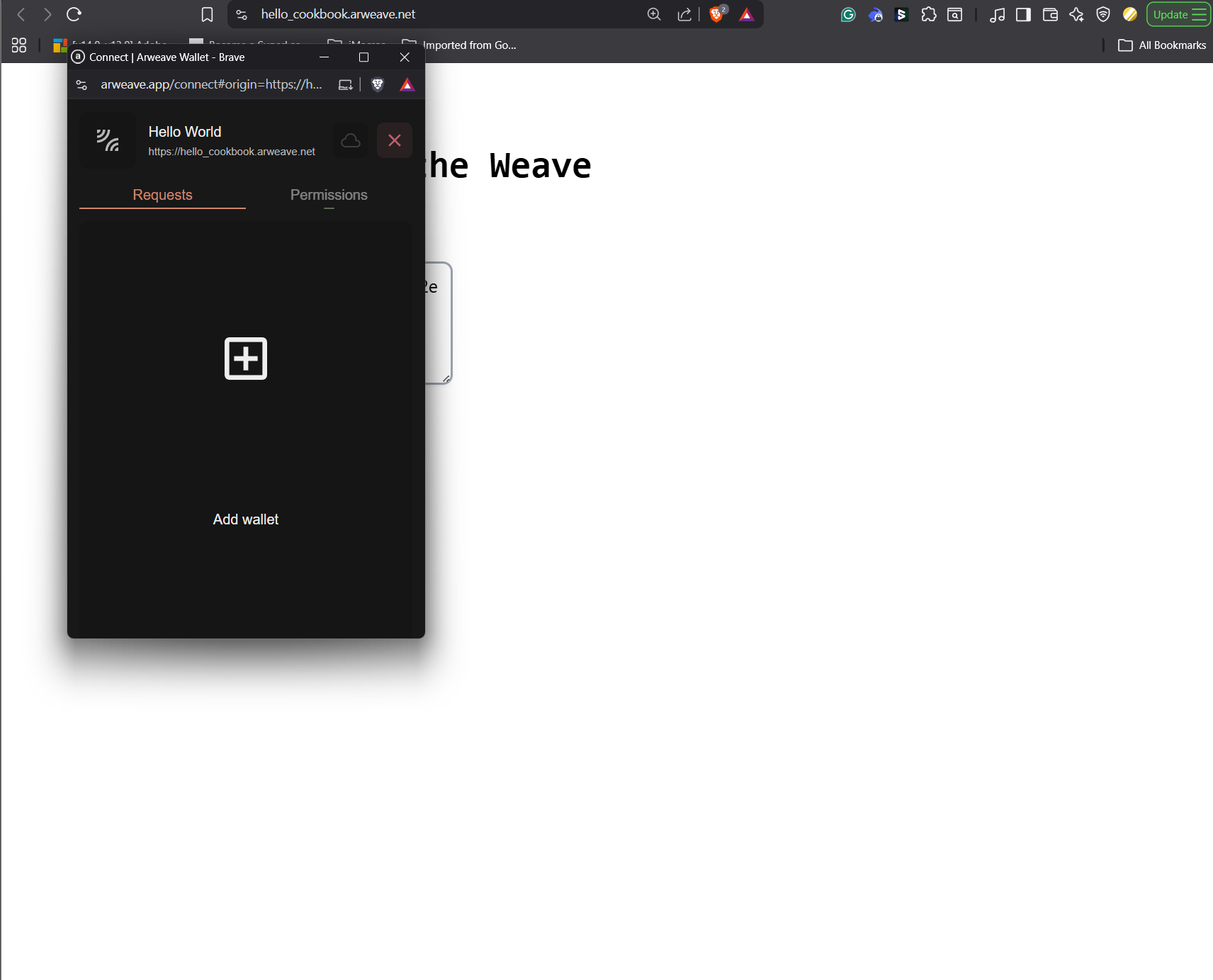
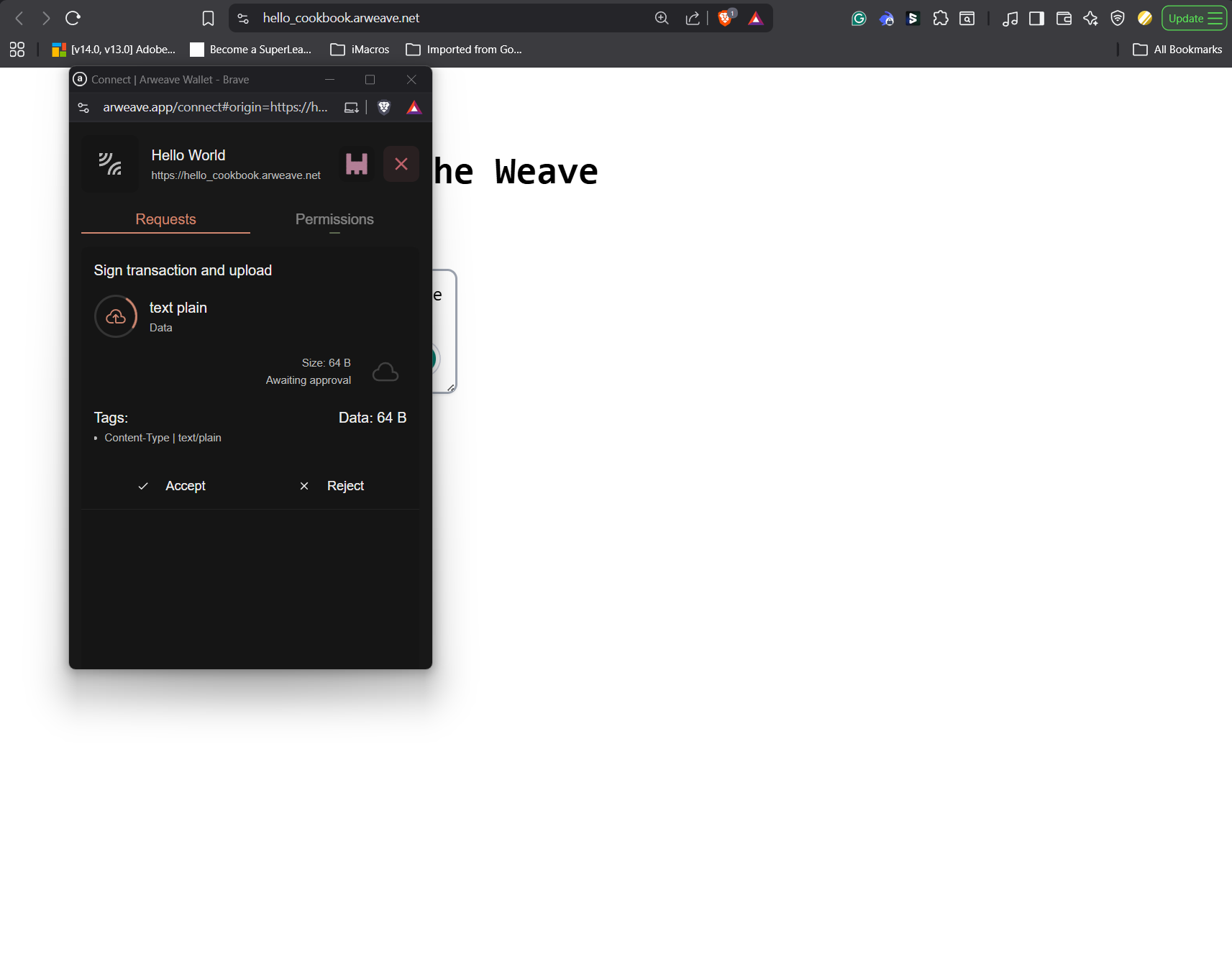
Go back to the Dapp page and click the publish button. You should see a request to sign a transaction and upload. Accept it.
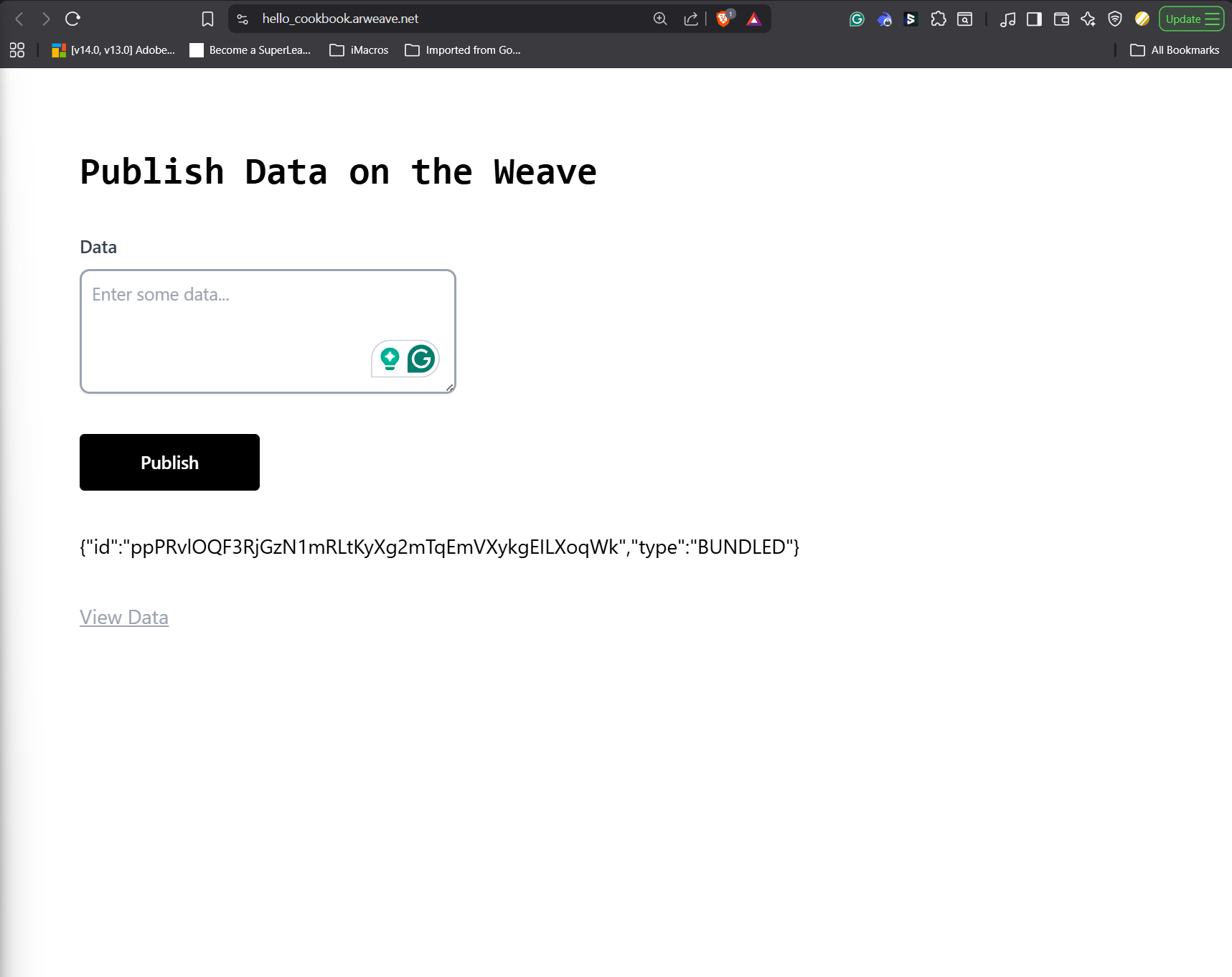
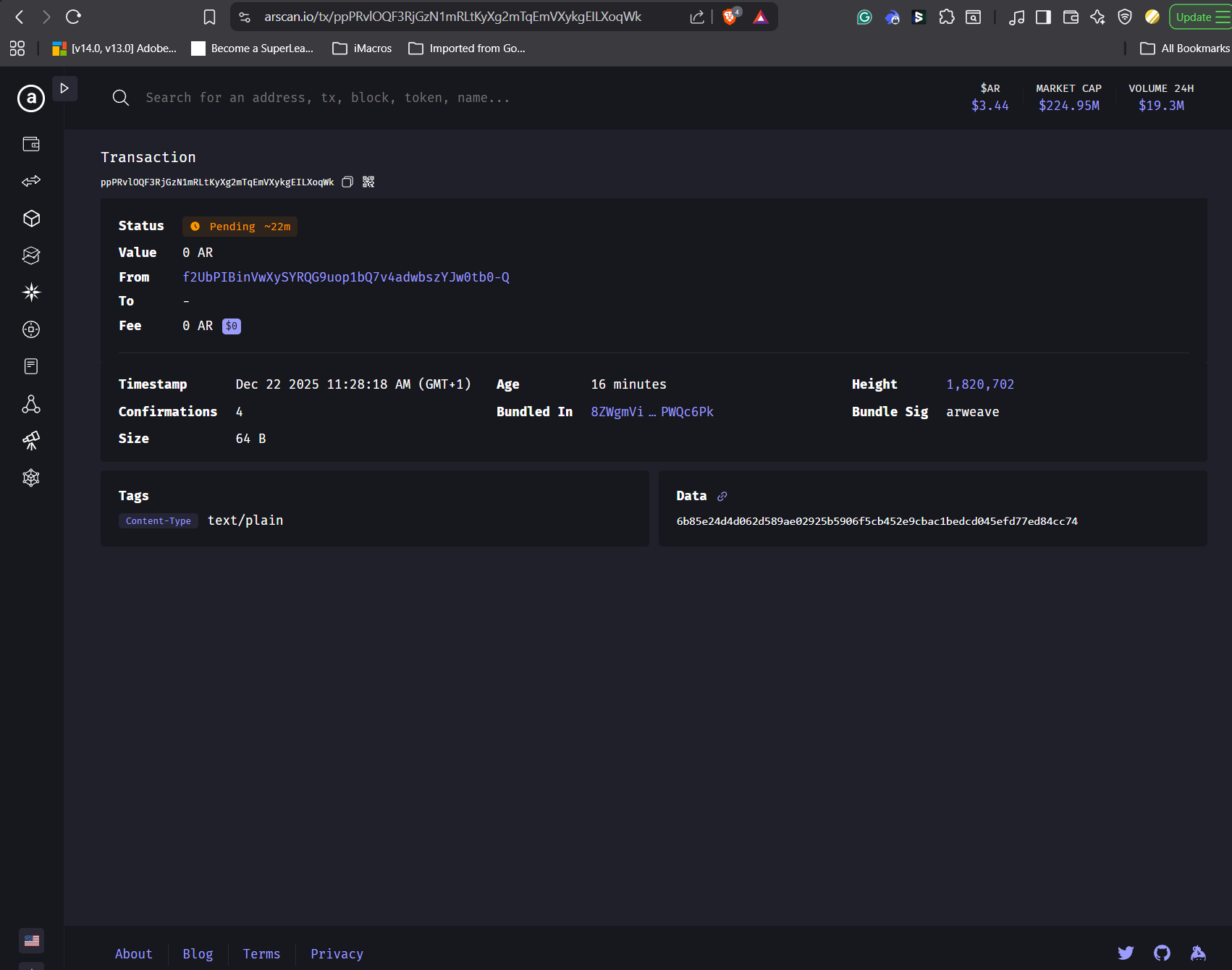
Now you can see the ID of the transaction you just sent to the Arwaeve ledger. In my case, that is "ppPRvlOQF3RjGzN1mRLtKyXg2mTqEmVXykgEILXoqWk"
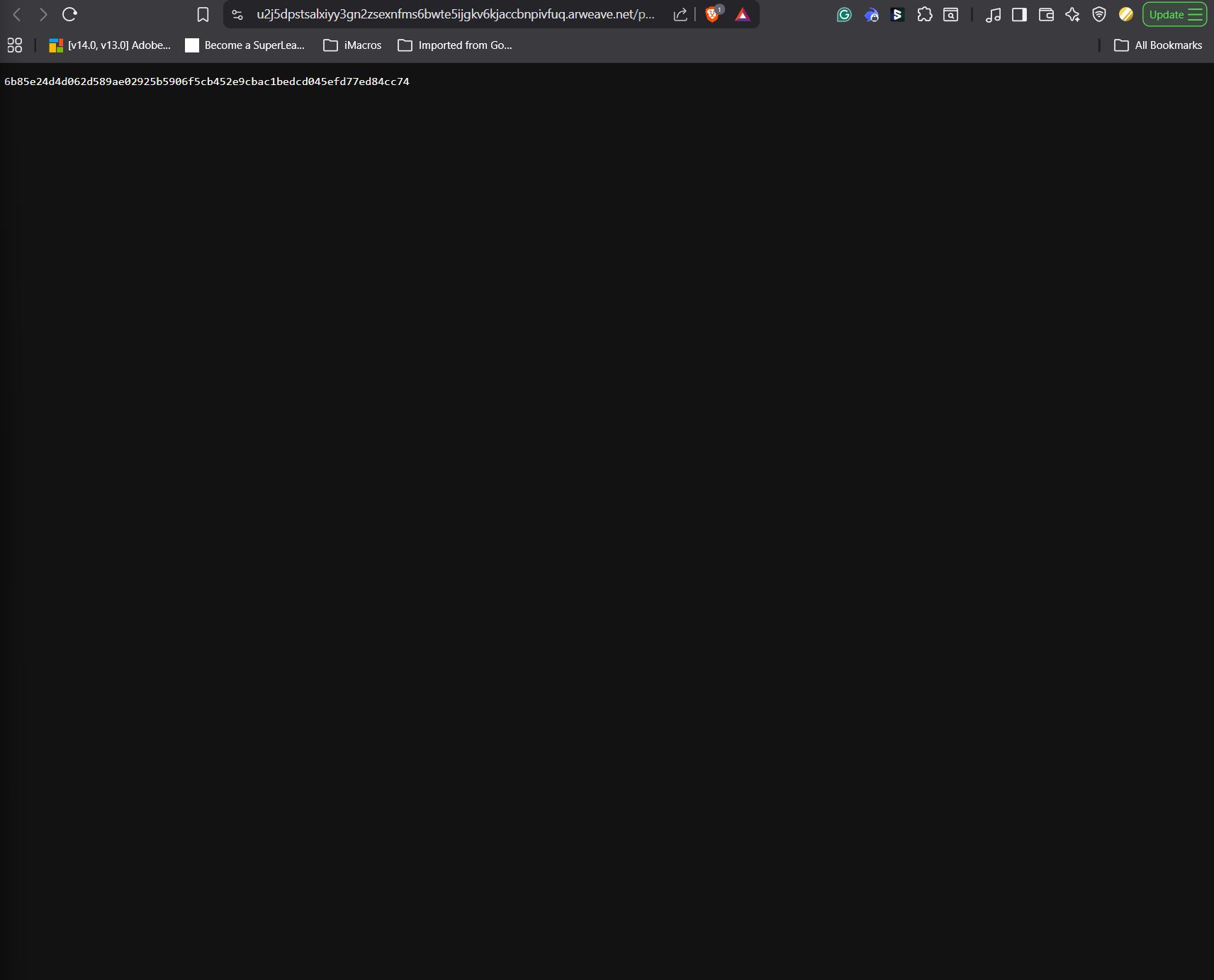
When you click on the “View Data”, it sends you to the text data of the transaction you just did. You have to wait for about 20 minutes for it to come up, as it takes a while to populate. You will see “Not Found” until it populates.
You can also go to the Arweave explorer (https://arscan.io/) and search the transaction ID to see the transaction on the blockchain.
Connecting to DeSci
By hashing and timestamping, you have a globally verifiable receipt that proves your lab created and owned that specific data file on that day and time. No one can later claim they created it earlier, and no one can secretly alter your official record. If the official record is altered, the generated sha256 from it won’t match the true official record’s sha256.
Projects in DeSci can use this principle. When you upload data, it is first hashed and timestamped. This protects your Intellectual Property (IP) by giving you verifiable proof of contribution before that data is used or funded.
Remember, Hashing proves what you had (data integrity), and Timestamping proves when you had it (data provenance). Together, this forms the foundation of trust in Decentralized Science.